
A few weeks ago, my daughter was visiting for the weekend and asked if she could AirDrop me a photo from her phone. I said sure, even though I wasn't entirely clear on what AirDrop meant.
She picked up my phone to check something on my end, and that's when her face changed.
“Mom. You have over fourteen thousand photos on here.”
I told her I knew that. I didn't, actually. I knew there were a lot, but fourteen thousand sounded like a different kind of problem.
She started scrolling. Screenshots of recipes I never made. Blurry pictures of nothing. Forty-seven almost identical shots of her nephew at the same birthday party. Photos I'd already printed years ago.
And somewhere in the middle of all of it, the only digital copies of pictures from my mother's 80th birthday.
She handed my phone back and said, “Mom, how would anyone ever find anything in here?”
She was laughing when she said it. But after she left that evening, I kept thinking about it.
Because she was right. If anyone ever needed to find something on my phone, in my email, or in any of the accounts I use every day, they wouldn't know where to start. I'm not even sure I would.
I had spent the last year decluttering my entire house. Every closet, every cabinet, every drawer. My home finally felt calm and intentional.
But my phone? My email? My passwords written on a sticky note in the kitchen drawer? The subscriptions I forgot I was paying for?
None of that had been touched.
That's when I started looking into something called digital death cleaning. I thought I was done decluttering. Turns out I hadn't even started the part that might matter the most.
Everything Was Behind a Screen Instead of Behind a Closet Door
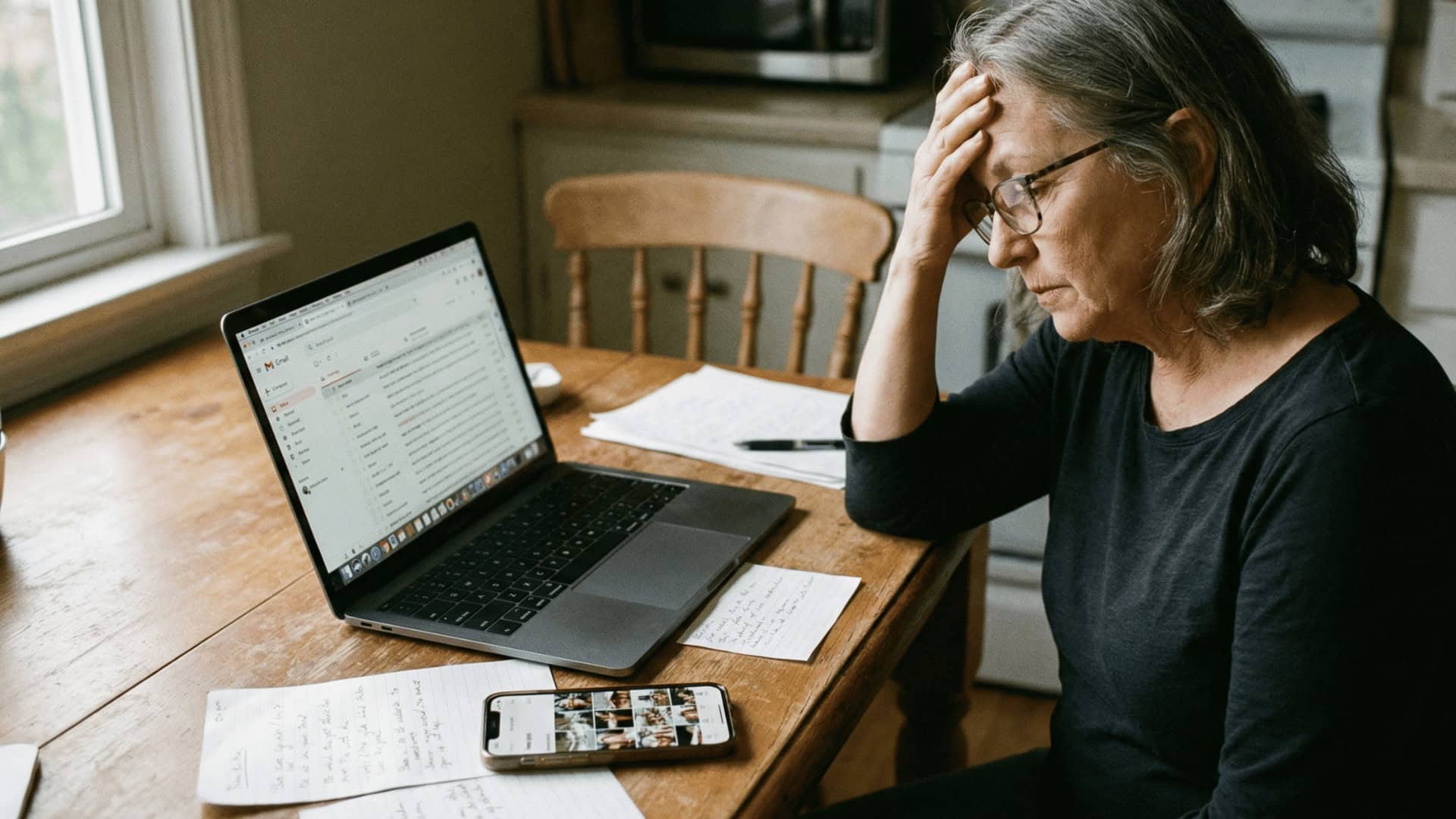
After my daughter left, I sat down at the kitchen table and started thinking about all the places my “stuff” lived that I hadn't touched during my big decluttering year.
My phone had fourteen thousand photos and no organization whatsoever.
My email inbox had over nine thousand unread messages. Some of them were from 2019. I couldn't tell you what was important in there and what was junk because I'd stopped looking a long time ago.
I had passwords written on a sticky note taped inside the kitchen junk drawer. Some of them were old. Some of them I wasn't sure were still right. A few of them I couldn't even match to the right account anymore.
I was paying for at least three subscriptions I never use (one of them I didn't even recognize on my bank statement until I searched for it). And there were probably more I hadn't caught yet.
My Facebook account, my Amazon account, my banking login, my email, the app I use to pay the electric bill. All of it lived behind a screen. And none of it had a plan attached to it.
I had spent months clearing out closets and cabinets and donation bags. I wiped shelves. I sorted boxes in the garage. I was so thorough with the physical stuff that my husband started hiding things from me (only half joking).
But the digital side of my life? It was the equivalent of that guest room closet I couldn't close. I just couldn't see it because it didn't take up any shelf space.
The clutter was all still there. It was just invisible.
What My Kids Would Actually Be Dealing With
Once I started thinking about this, I couldn't stop.
If something happened to me tomorrow, my kids would walk into a clean, organized house. They'd know where to find the important papers. They'd know which things I wanted them to have.
But the moment they picked up my phone or sat down at my laptop, they'd be completely lost.
They wouldn't know my email password. They wouldn't know which bank I use for what. They wouldn't know how to get into the account I use to pay the mortgage, or the one tied to my health insurance, or even my Amazon account (which has my credit card saved on it).
And the photos?
Fourteen thousand pictures with no labels, no folders, no way to tell what matters and what's just a blurry screenshot of a recipe I saw on Facebook at 11pm.
That's not a gift I'd be leaving them. That's a job.
A friend of mine went through this after her mother passed last year. She spent three months trying to get into her mother's email. Three months. She needed it to cancel accounts, access medical records, and notify people. But there was no password written down anywhere and the phone was locked.
She told me it was harder than sorting through the house.
I don't want that for my kids. I already went through the work of making sure my home wouldn't be a burden. It hadn't occurred to me that my phone and my passwords could be an even bigger one.
That was the moment I stopped thinking of this as a “tech thing” and started seeing it for what it actually was.
It was just another closet that needed cleaning. The only difference was I couldn't open the door with my hands.
The Digital Clutter That Actually Needed My Attention
Once I stopped avoiding it, I realized the digital mess broke down into a few clear categories. Just like decluttering the house, it helped to take it one area at a time instead of staring at the whole thing and feeling paralyzed.
Photos and Videos
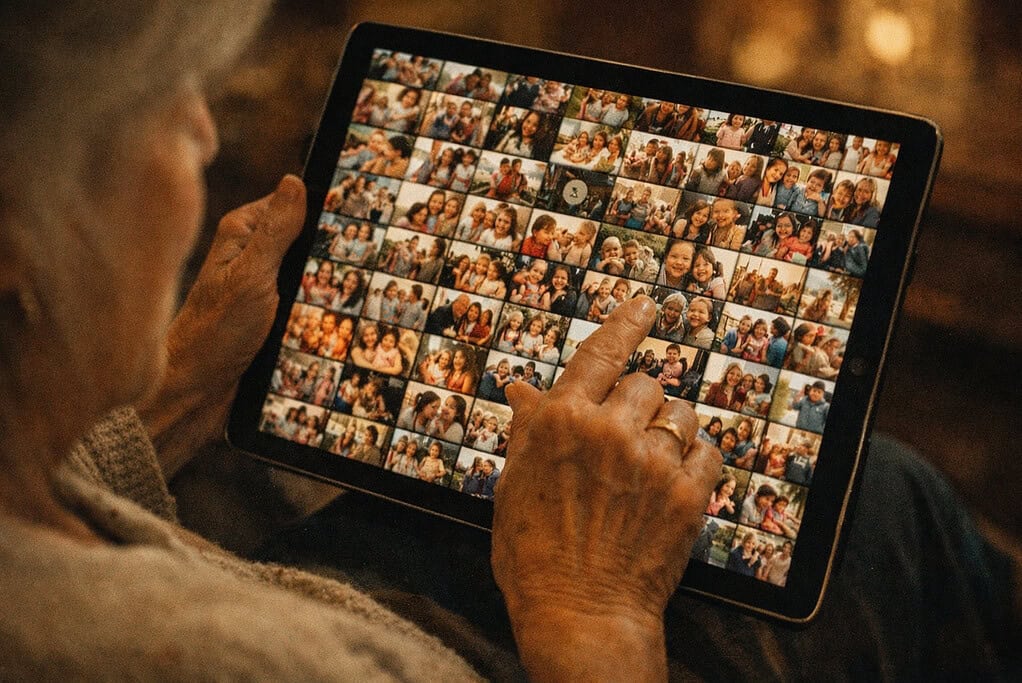
This was the biggest one.
Fourteen thousand photos sounds extreme, but I think most women my age are carrying around something close to that without realizing it. Every screenshot, every duplicate, every blurry accident from when the camera opened in your purse.
I started by deleting the obvious junk first. The screenshots of things I'll never look at again. The fifteen nearly identical photos from the same angle. The pictures of text I saved instead of writing it down.
That alone cleared out about a third of them.
Then I went through what was left and moved the ones that actually mattered like family photos, holidays, the pictures of my grandkids, the ones from my mother's birthday into a single folder on my phone. Just one folder. I labeled it “Keep.”
It's not a perfect system. But it's a start. And now my daughter would actually be able to find the photos that matter without scrolling through thousands of blurry nothing.
Passwords and Accounts
This was the one that scared me the most. Not because it was hard, but because I had been doing it so badly for so long.
My entire password system was a sticky note. (Yes, one sticky note)
Some of the passwords on it were five years old. A few of them had been crossed out and rewritten so many times I couldn't read my own handwriting.
My daughter helped me set up a password manager on my phone.
I won't pretend I understand exactly how it works. But I know that all my passwords are in one place now, and I know she can get into it if she ever needs to.
If a password manager feels like too much, even a notebook kept in a safe place is better than a sticky note in a junk drawer. The point isn't the system. The point is that someone other than you can find what they need.
Subscriptions and Recurring Charges
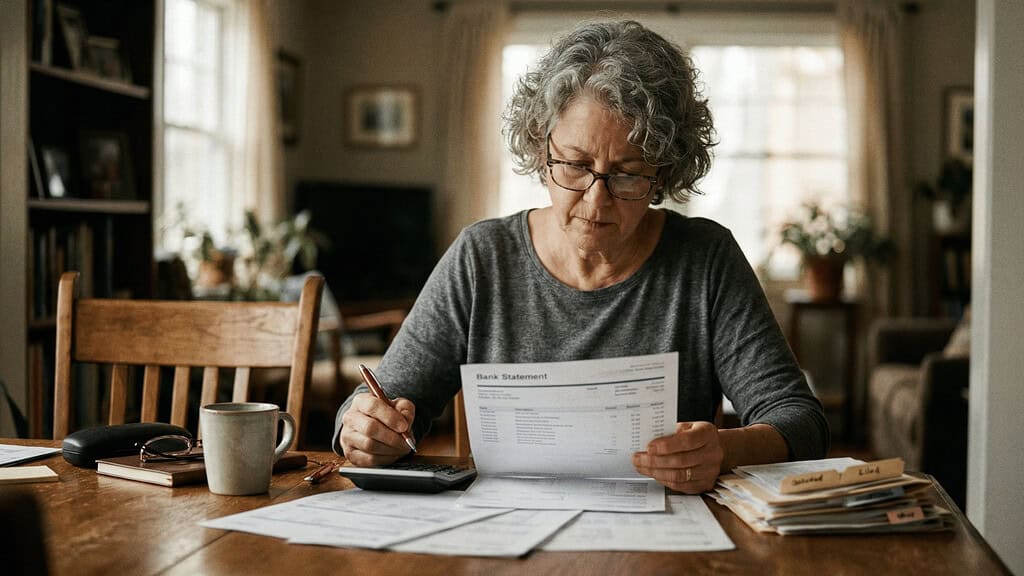
This one surprised me.
I sat down with my bank statement and went through every recurring charge for the past three months.
I found six subscriptions I was still paying for. Two of them I hadn't used in over a year. One was a free trial I forgot to cancel (it had been charging me $14.99 a month for eleven months).
That's almost $165 I spent on something I didn't even know I was paying for.
I cancelled four of the six that afternoon. It took about twenty minutes.
And honestly, the money felt less important (though I'm not going to pretend I wasn't a little mad about that $165) than the relief of knowing there wasn't something quietly draining my account that nobody else knew about.
Social Media
I have a Facebook account. I post occasionally. I have an Instagram I barely use. And I have an old Pinterest account I haven't logged into in years.
None of that is urgent. But I did one thing that made me feel better about all of it.
I told my daughter which accounts I have, which ones I actually use, and what I'd want done with them if I wasn't around to manage them anymore.
That conversation took about five minutes. And it took a weight off both of us that I didn't even realize was there.
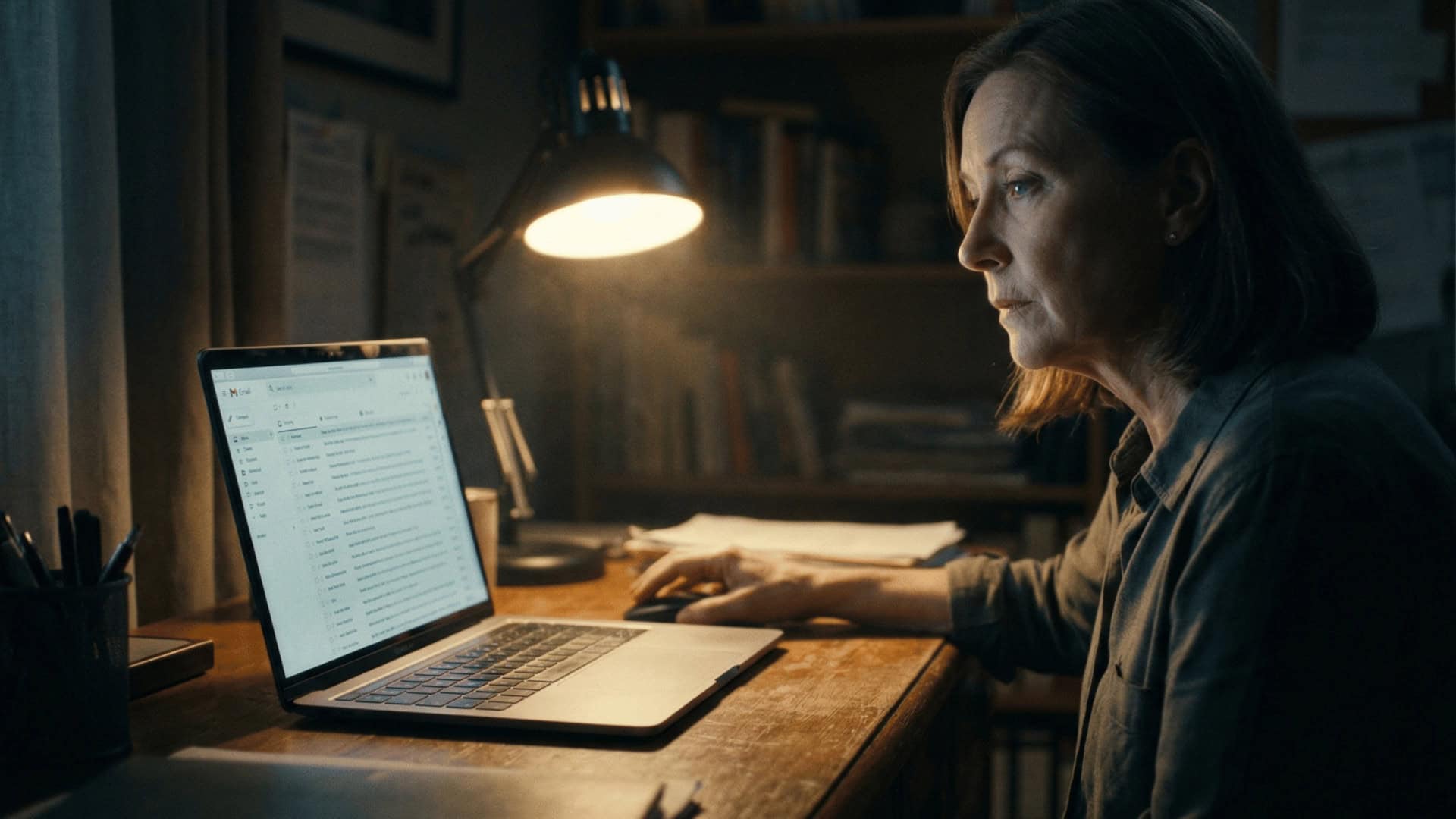
Nine thousand unread messages.
I'm not going to pretend I went through all of them. I didn't. But I did unsubscribe from every newsletter and promotional list I could find. That alone cut the daily flood down to almost nothing.
I also made sure my daughter knows my email login. Because email is the key to almost everything else. If you can get into someone's email, you can reset passwords, find accounts, and track down almost anything.
That one piece of information might be the most important thing I handed her.
What Actually Helped Me Get Through It
I put this off for a long time because the whole thing felt too technical. Too complicated. Too much like something my daughter would understand and I wouldn't.
But once I actually started, it wasn't nearly as bad as I'd built it up to be.
Here's what made the difference.
I Asked My Daughter for Help

This was the single best decision I made.
I didn't try to figure it out alone. I called my daughter and said, “I need an afternoon of your time and your patience.”
She came over with her laptop and we sat at the kitchen table and just worked through it together. She set up the password manager. She showed me how to delete photos in bulk. She walked me through cancelling subscriptions.
I could not have done most of it without her. And I'm not embarrassed to say that.
If you have a kid, a grandchild, a niece, a neighbor, anyone younger who is comfortable with technology, ask them. Most of them will be relieved you brought it up. They've probably been quietly worrying about this exact thing.
I Did One Category at a Time
Just like decluttering the house, I didn't try to tackle everything in one sitting.
The first afternoon was just photos and passwords. That was enough. My brain was done after that.
The following weekend I went through subscriptions and email. And the social media conversation happened over the phone a few days later.
Spreading it out made it manageable instead of overwhelming. If I had tried to do all of it in one day, I would have quit by noon.
I Wrote the Important Stuff Down on Paper Too

My daughter set up the password manager and I'm glad she did. But I also wrote down the most critical information on a single sheet of paper and put it in the same fireproof box where I keep my will and insurance documents.
My email login. My banking login. The password manager login. My phone passcode. The name and number of our financial advisor.
One sheet. One safe place. And my daughter knows exactly where it is.
Technology is great until it isn't. Paper doesn't crash, it doesn't need a software update, and it doesn't lock you out because you forgot to charge it.
I Stopped Telling Myself I'd Do It Later
This was the hardest part.
I had been telling myself for years that I'd “get around to” organizing my digital life. The same way I told myself for years that I'd “get around to” the guest room closet.
Later never comes on its own. It only comes when you pick a day, sit down, and start.
I picked a Saturday. I told my daughter. And once she was sitting next to me at the kitchen table, there was no more putting it off.
If you've been telling yourself you'll deal with this eventually, let me save you some time.
Eventually is now.
This Was the Decluttering I Didn't Know I Needed
I spent a whole year going through my house. Closets, cabinets, the garage, the spare room. I donated bags of things. I sorted through boxes I hadn't opened in a decade. I finally made peace with letting go of stuff I'd been holding onto for years.
And I was proud of that work. I still am.
But the digital side of my life was sitting there the entire time, quietly piling up behind every screen I own. And I didn't see it until my daughter picked up my phone and said what I already knew but hadn't wanted to face.
It took one afternoon to get the basics in order. One sheet of paper in a fireproof box. One conversation with my daughter that we probably should have had years ago.
I don't have it all figured out. My phone still has more photos than it should (I'm working on it). My email inbox is better but not perfect. And I'm sure there's a subscription somewhere that I still haven't caught.
But my kids know where to find what they need now.
And that peace of mind? It feels exactly like the day I finally closed my closet and it actually stayed shut.
Still Working Through the Physical Stuff Too?
If your home hasn't gotten the same attention your digital life just did, my free Declutter for Self Care Checklist can help you get there.
It gives you a room-by-room path through the physical clutter so you're not guessing where to start or burning out before you finish.
Frequently Asked Questions
What is digital death cleaning?
Digital death cleaning is the process of organizing your digital life so the people you love won't be stuck figuring it out after you're gone. That includes things like passwords, email accounts, photos, subscriptions, social media, and anything else that lives on your phone or computer. It's the same idea behind Swedish death cleaning, just applied to the stuff behind your screens instead of behind your closet doors.
What digital accounts should I organize first?
Start with the ones that would cause the most problems if nobody could access them. For most people that's email, banking, and any account tied to a recurring payment. Email is especially important because it's usually the key to resetting passwords and finding other accounts. Once those are handled, you can work through photos, social media, and everything else at your own pace.
Do I need a password manager?
You don't need one, but it helps. A password manager stores all your logins in one secure place so you only have to remember one password to access everything. If that feels like too much, a handwritten list kept in a safe place works too. The most important thing is that someone you trust knows where to find your login information if they ever need it.
What happens to my social media accounts when I die?
It depends on the platform. Facebook lets you choose a legacy contact who can manage your account after you pass, or you can request that it be deleted entirely. Most other platforms have similar options buried in their settings. The easiest thing to do is tell a family member which accounts you have and what you'd want done with them. That conversation matters more than the settings.
How do I start digital death cleaning if I'm not tech-savvy?
Ask someone who is. A daughter, a son, a grandchild, a neighbor. Most people who are comfortable with technology will be happy to sit down and walk you through it. You don't need to understand how everything works. You just need to make sure the important information is written down somewhere safe and that at least one person you trust knows where to find it.
Follow me elsewhere!

